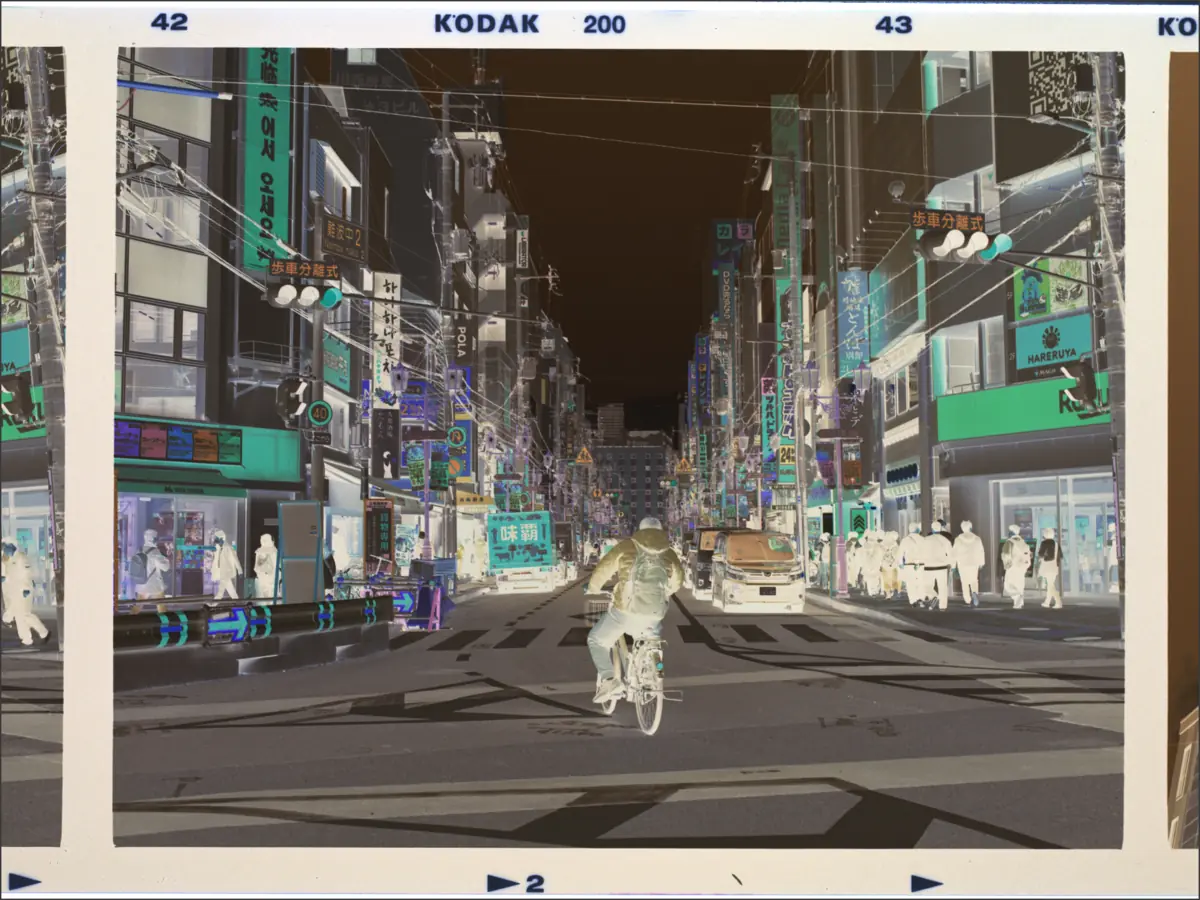
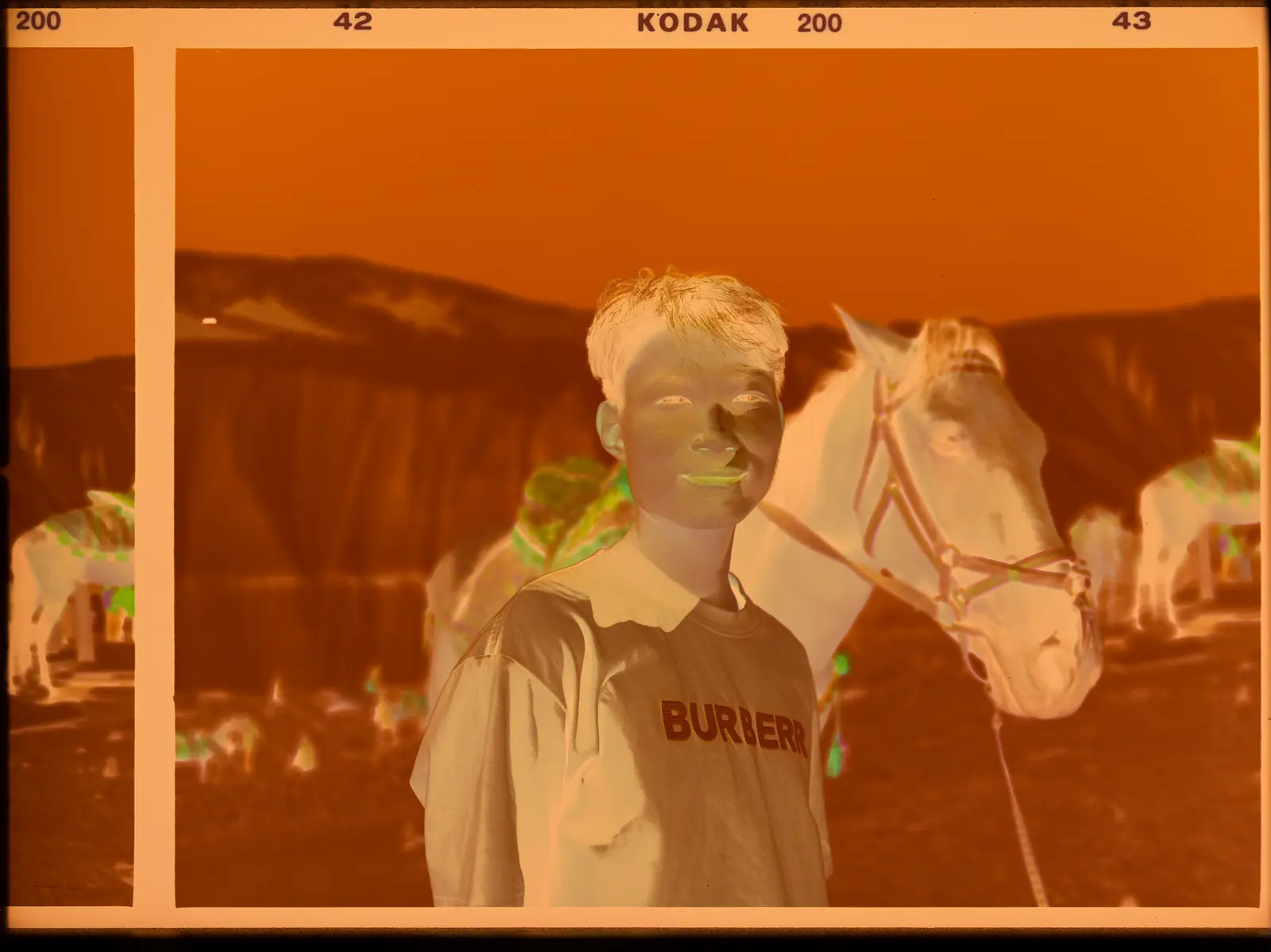
Curve alignment
Curve
Identify and estimate this roll’s characteristic curves from its density data, then apply a consistent calibration across the roll.
Built for film digitization,with camera capture and scanner input.
macOS 14+ · Apple silicon · Windows 10/11
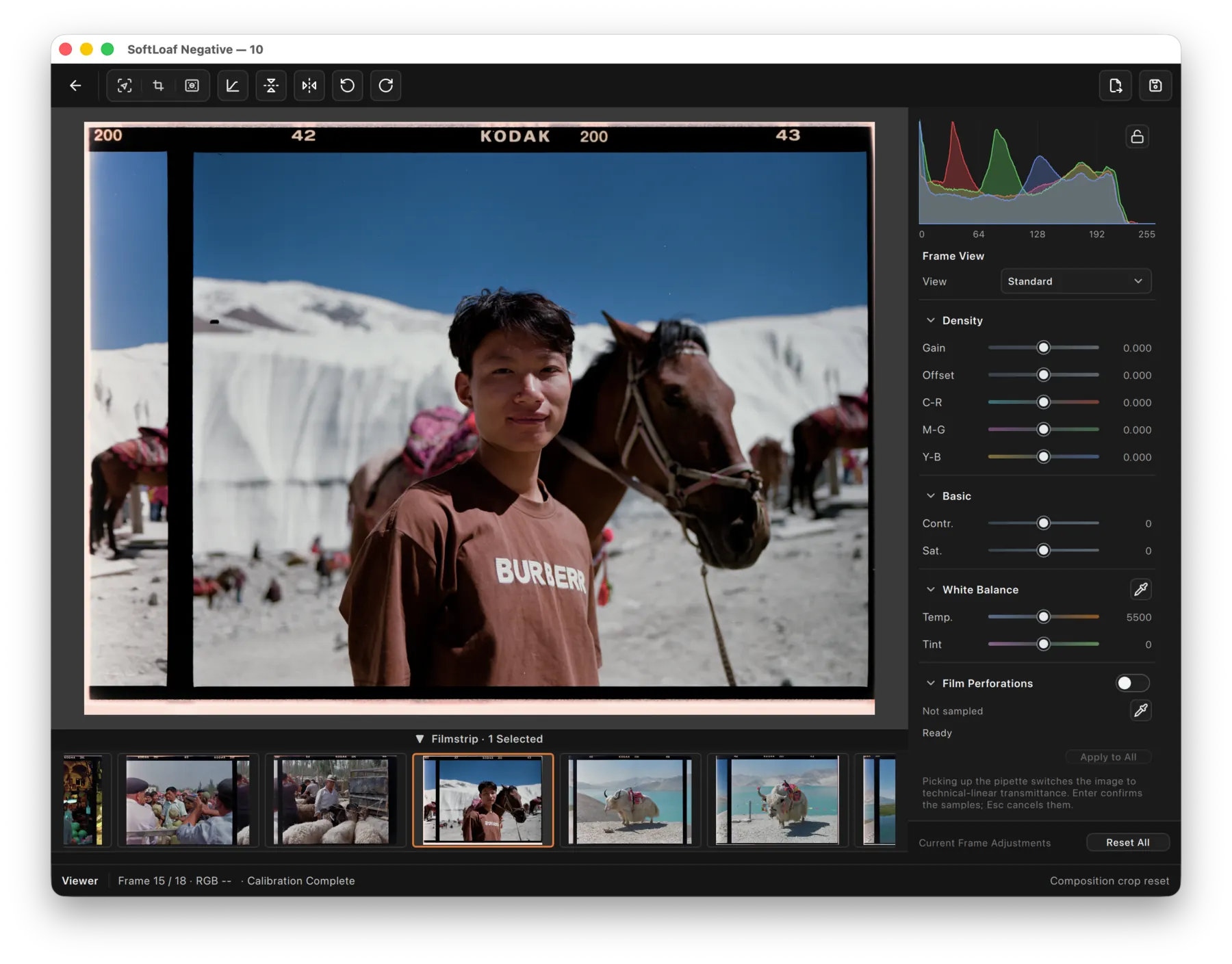
Removing the negative mask should not mean repeatedly correcting color by eye.SoftLoaf places input interpretation, digitization calibration, negative conversion, display, and deliveryin an explicit color-managed, normalized pipeline, so color casts become inspectable workflow decisions rather than hidden guesswork.
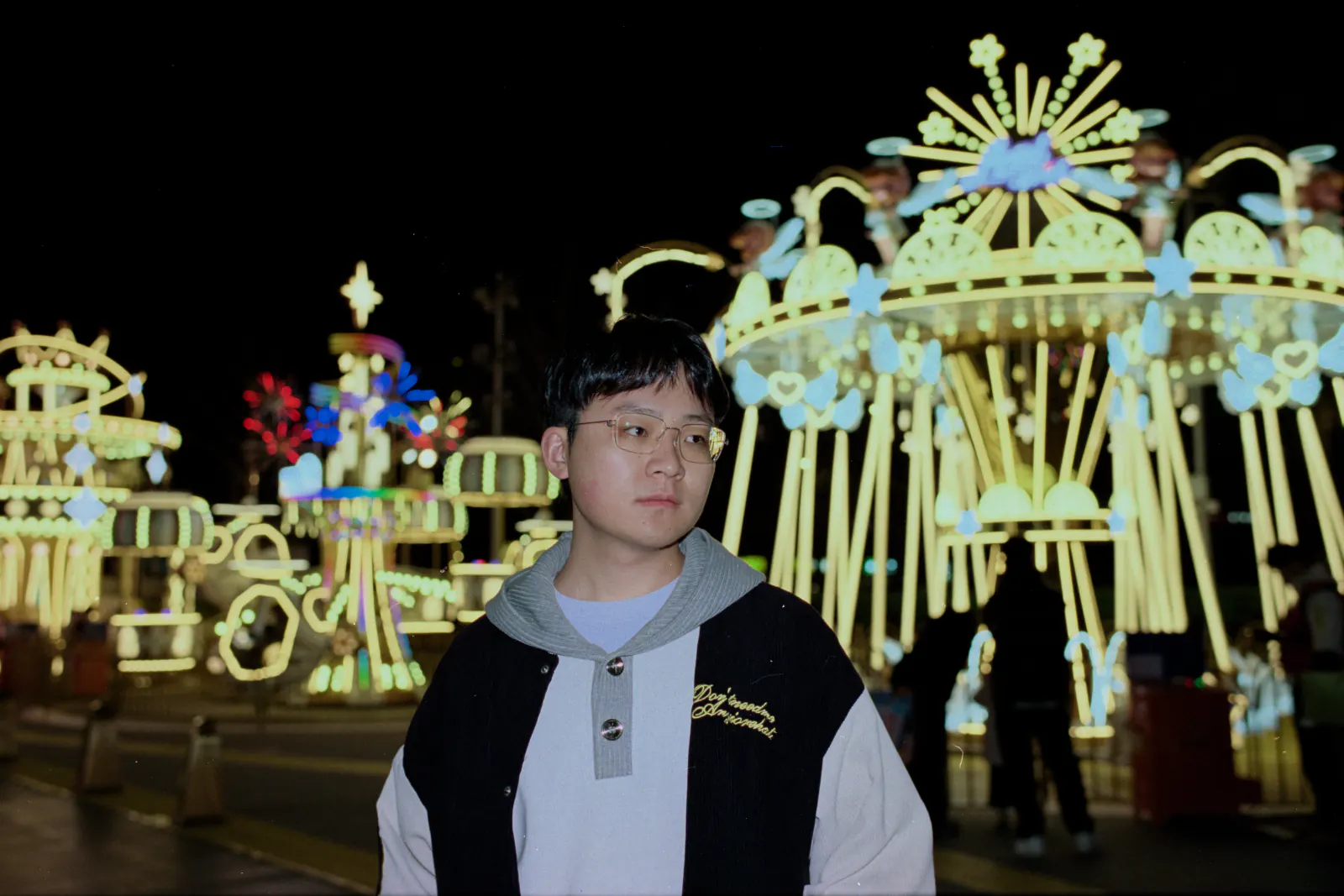
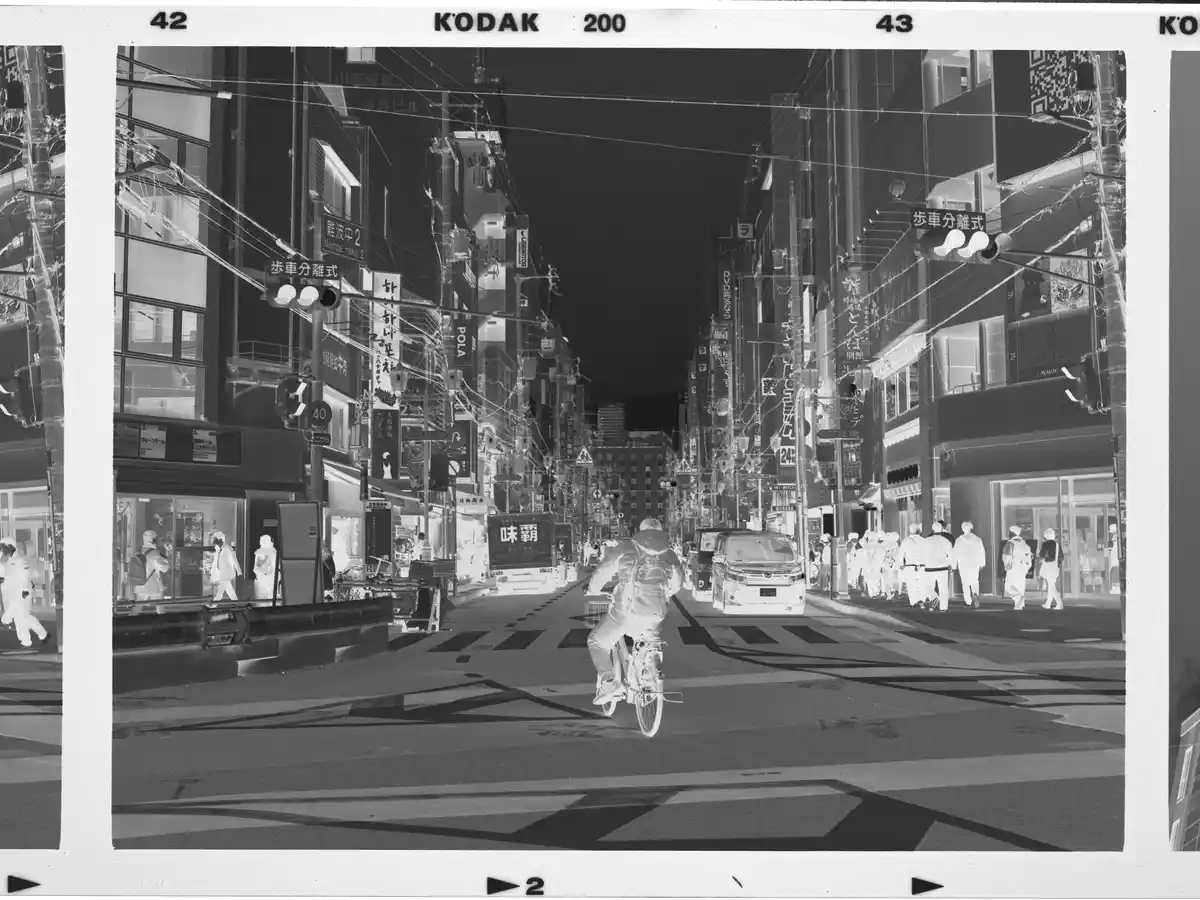
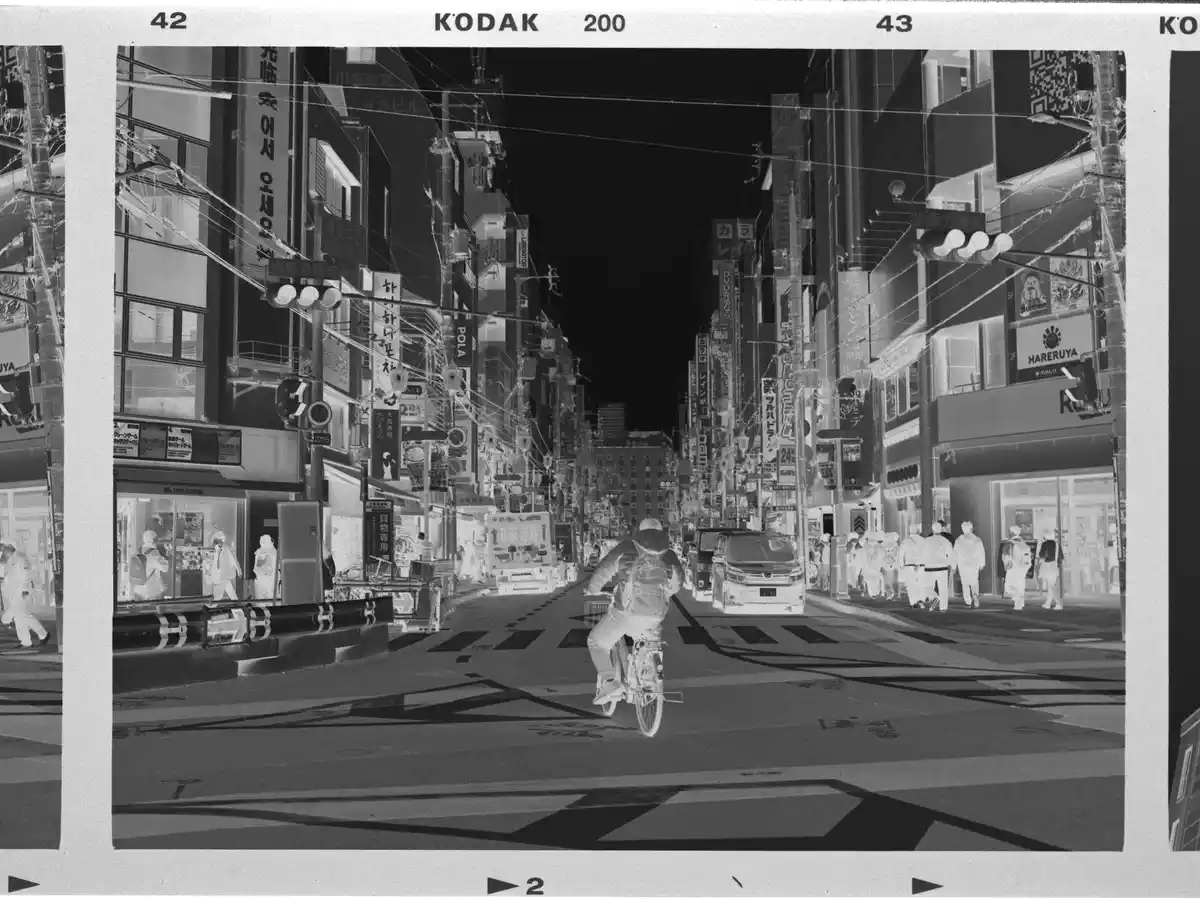
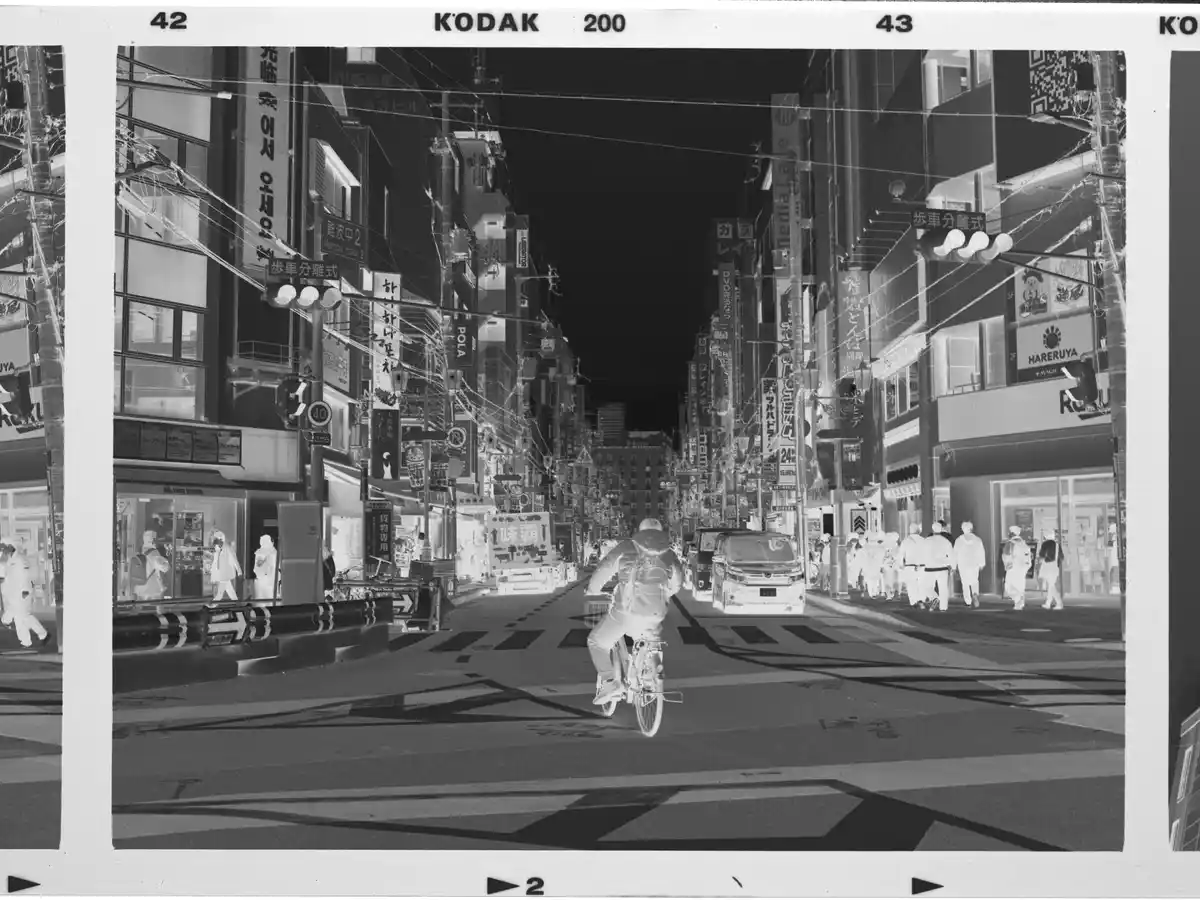
Drag to compare the real negative input with the SoftLoaf conversion.
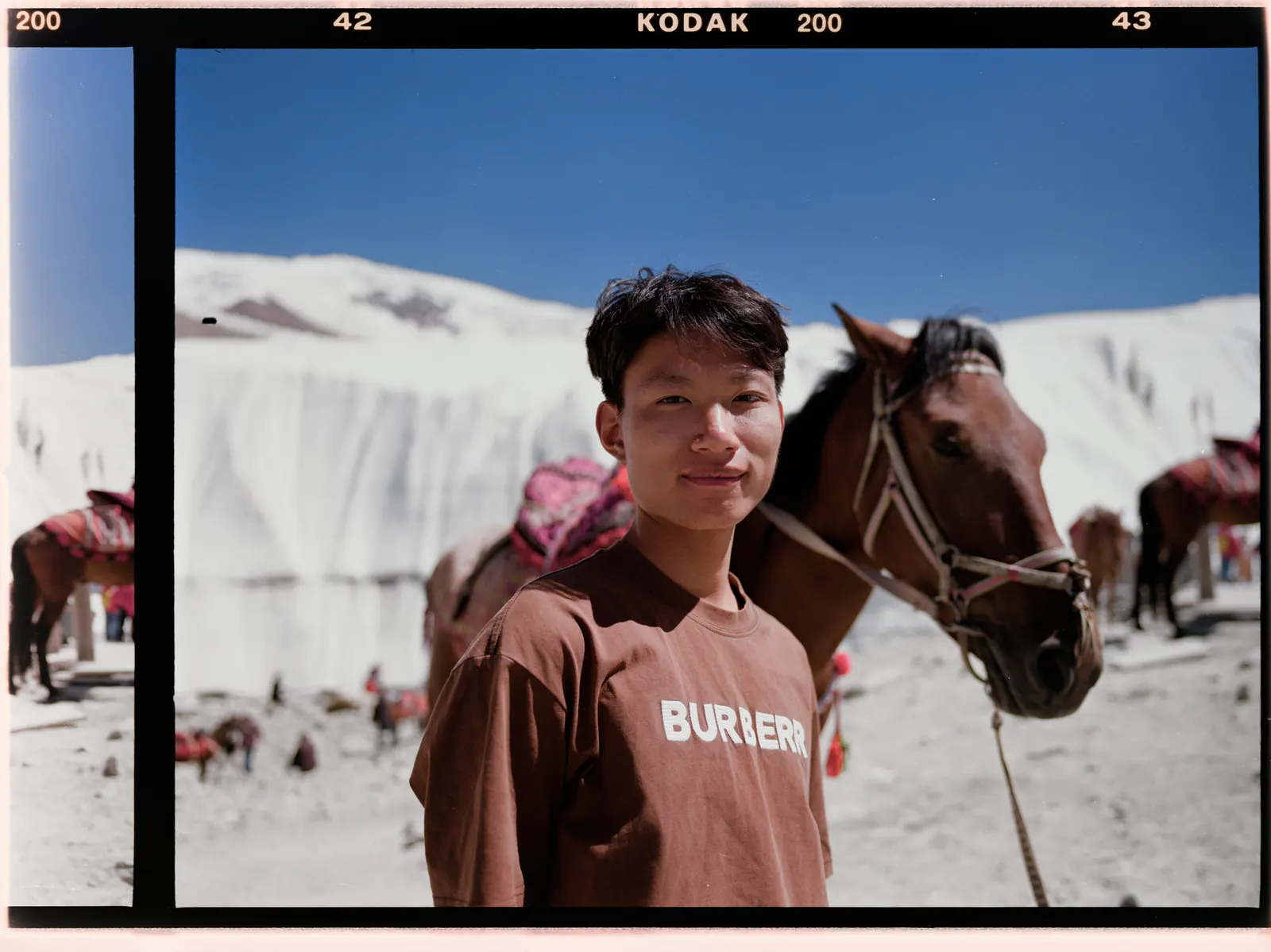
01 / CONVERSION METHODS
The three channels of a color negative have different density responses.Simply inverting the raw data cannot correct density-dependent color casts.Effective mask removal needs a reliable density baseline and response.SoftLoaf offers four methods to suit your material.
Curve
Identify and estimate this roll’s characteristic curves from its density data, then apply a consistent calibration across the roll.
dmin+dmax
Use the minimum and maximum densities as anchors to estimate the roll response—the classic approach.
Color Chart
Select a frame containing a 24-patch chart. SoftLoaf automatically detects its patches to constrain the roll’s density response.
Per-frame
Fit conversion parameters for each frame when the input does not share one roll baseline.
Curve is a conversion method; Film Curve below shapes tone after conversion. Color Chart guides film conversion, while CCM calibrates the digitization setup.
02 / CCM
Use a standard 24-patch target to measure the camera, lens, and light together.Build a CCM for that digitization system before negative conversion.This reduces systematic color casts from the capture setup.
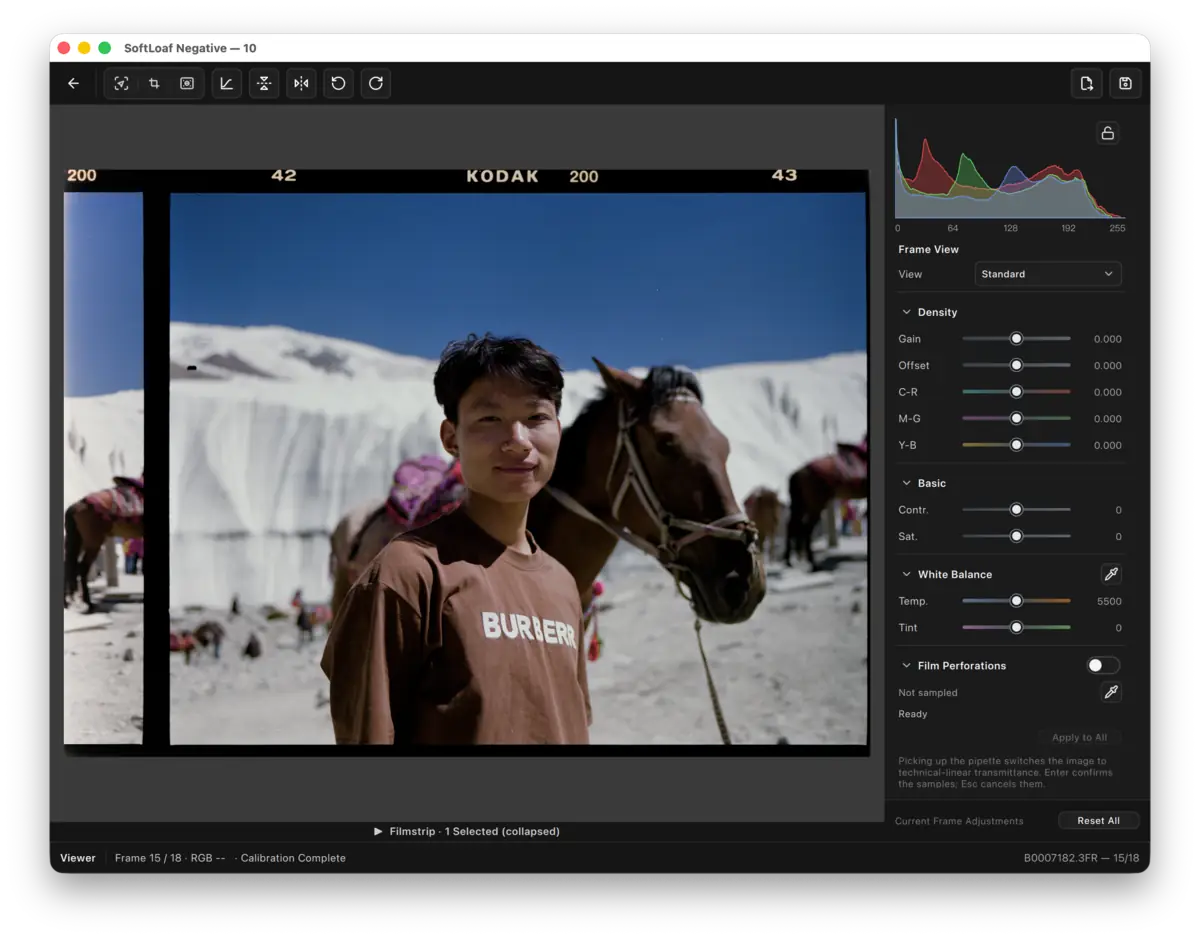
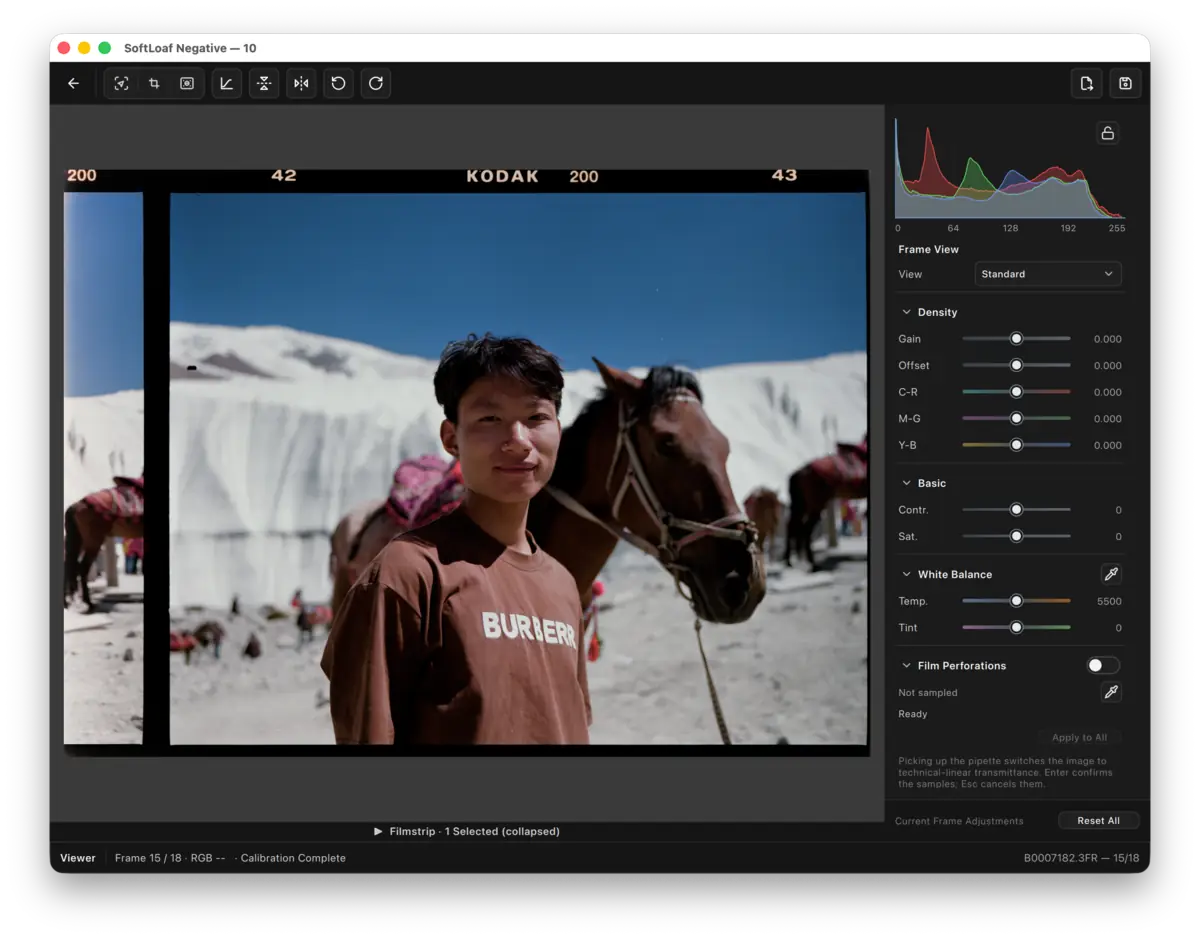

SoftLoaf extracts measurements from all 24 patches and builds the correction matrix. It is not white balance, a filter, or a creative grade.
The matching 24-patch transmission target is also available separately.03 / FILM CURVE
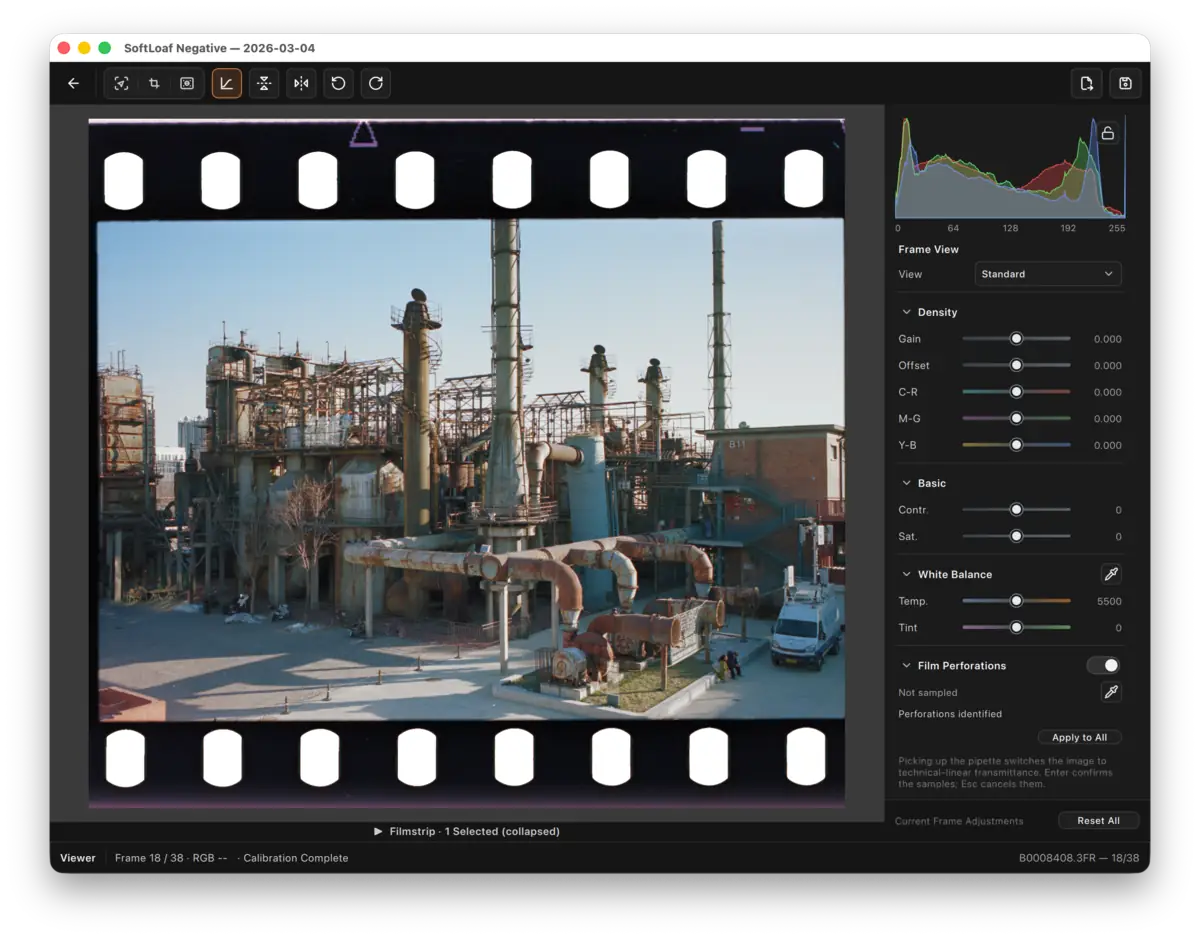
Color and black-and-white negatives have different density responses.SoftLoaf describes those differences with characteristic curves, then shapes tone after normalized conversion.
See the curve basis first, then how it acts on a real image.
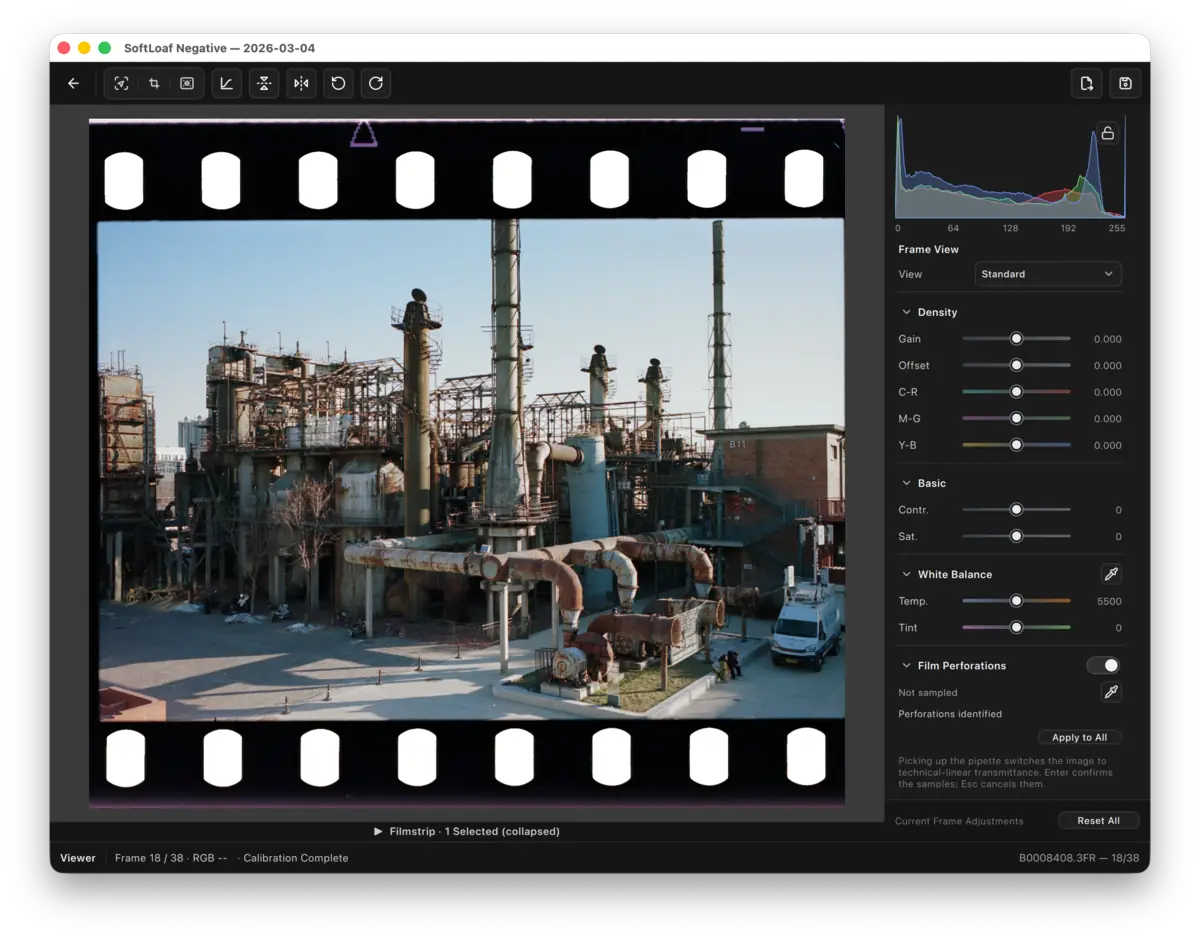
04 / HDR
HDR is not a brighter web image.On supported displays, SoftLoaf uses a dedicated HDR canvas to preview highlight headroomand keeps preview peak, rendering intent, and export target aligned.

The image uses an HDR presentation surface while the surrounding interface remains SDR.
Preview and export share the same target so highlight headroom has an explicit reference.
Exports carry the HDR image, gain-map data where applicable, and the color metadata needed by supported devices.
05 / TRICHROME
Capture R, G, and B separately, then align, convert, and combine them by channel in one workflow.Separate capture reduces color mixing caused by the overlapping red, green, and blue filters on a color camera sensor;paired with a monochrome sensor, it can avoid that filter structure for more independent channel information and clearer color separation.
06 / THE ROLL
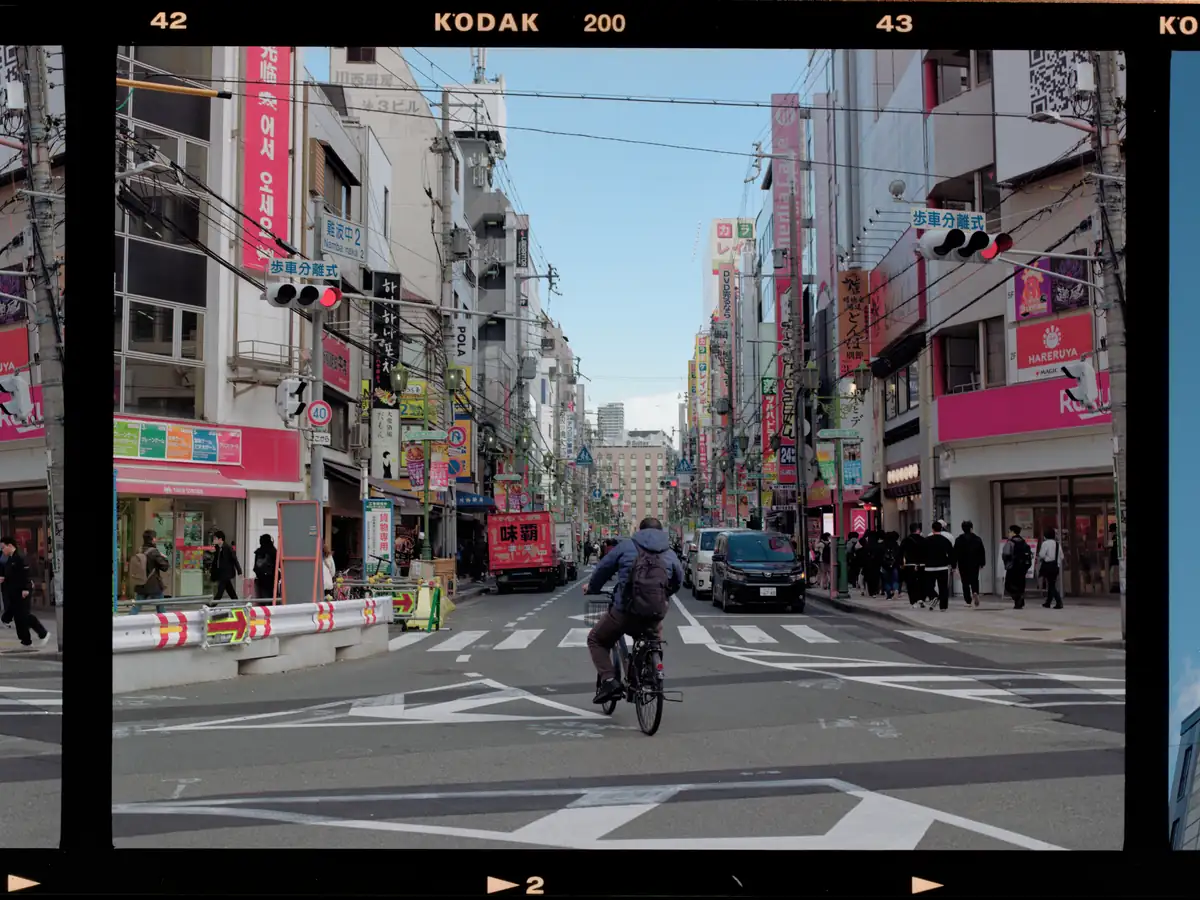
A real recording shows the processing flow and response speedfrom conversion and browsing through individual frame adjustments.It is shown at its recorded speed, without acceleration.
07 / HOT FOLDER
Once a folder is being watched, SoftLoaf receives each new file and appends it to the current roll.
08 / BLACK & WHITE
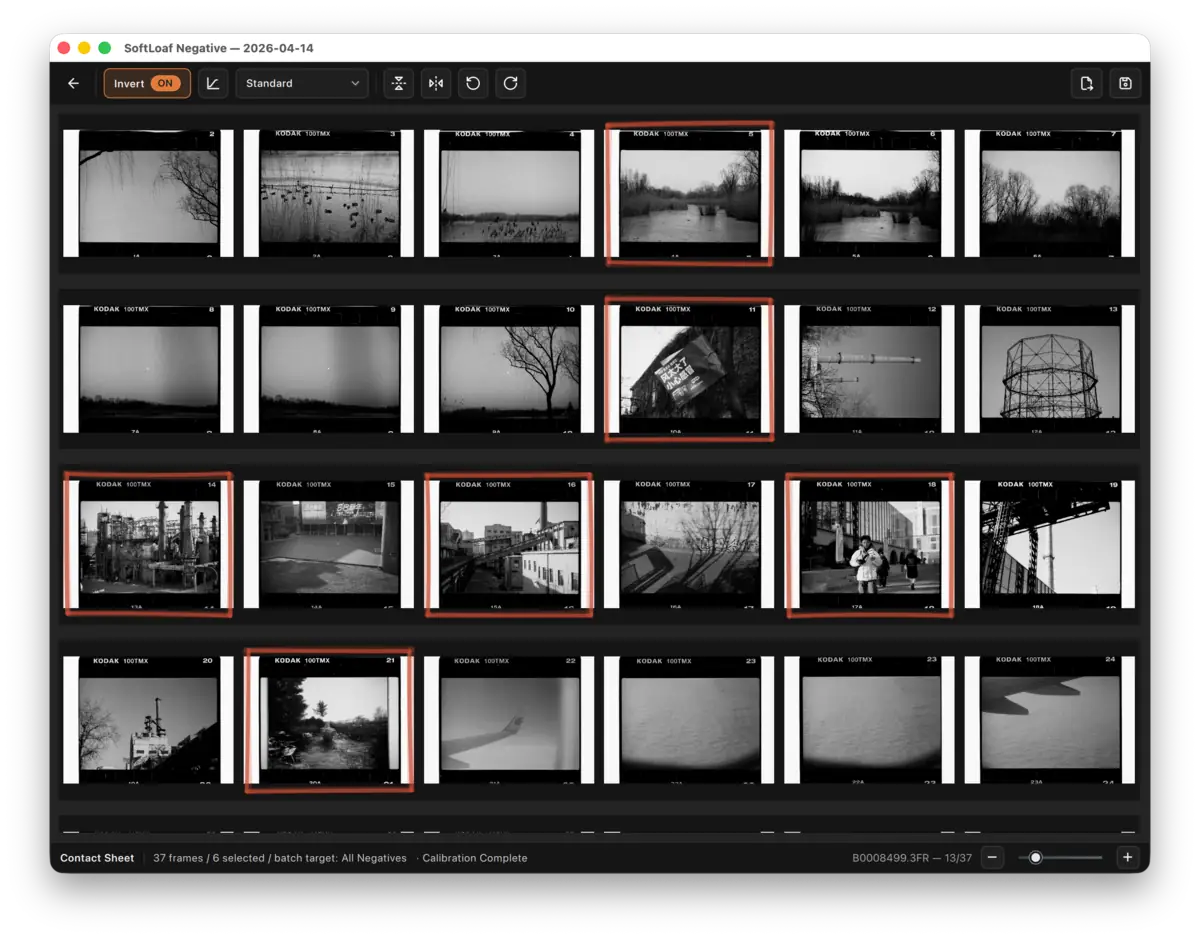
Black-and-white negatives use their own density conversion and focused controls, without carrying irrelevant color adjustments into the workflow.
DELIVERY FORMATS
JPEG · PNG · TIFF · UltraHDR · HEIC gain map · AVIF HDR · ACES EXR · ADX DPXTechnology has its limits; the final judgment remains human.SoftLoaf keeps the conversion basis explicit and the color path traceable, then leaves the decision to you.